- Rust 99.4%
- Nix 0.6%
| Filename | Latest commit message | Latest commit date |
|---|---|---|
 Joerg Ziefle
d2b91f07b2 :paste made arboard (already vendored via modalkit) a direct dependency, which changed Cargo.lock by one line and with it the vendor hash. Computed with fetchCargoVendor on aarch64-darwin from the committed source; the same method reproduces release/mirus's previous hash. Co-Authored-By: Claude Opus 5.5 <[email protected]> Claude-Session: https://claude.ai/code/session_01XMf4ELq1Q12cmKnPuwJz2x |
||
| .forgejo/workflows | ||
| .github | ||
| docs | ||
| nix | ||
| src | ||
| themes | ||
| .gitattributes | ||
| .gitignore | ||
| .rustfmt.toml | ||
| build.rs | ||
| Cargo.lock | ||
| Cargo.toml | ||
| config.example.toml | ||
| config.full.toml | ||
| CONTRIBUTING.md | ||
| flake.lock | ||
| flake.nix | ||
| iamb.desktop | ||
| LICENSE | ||
| PACKAGING.md | ||
| README.md | ||
| rust-toolchain.toml | ||





About
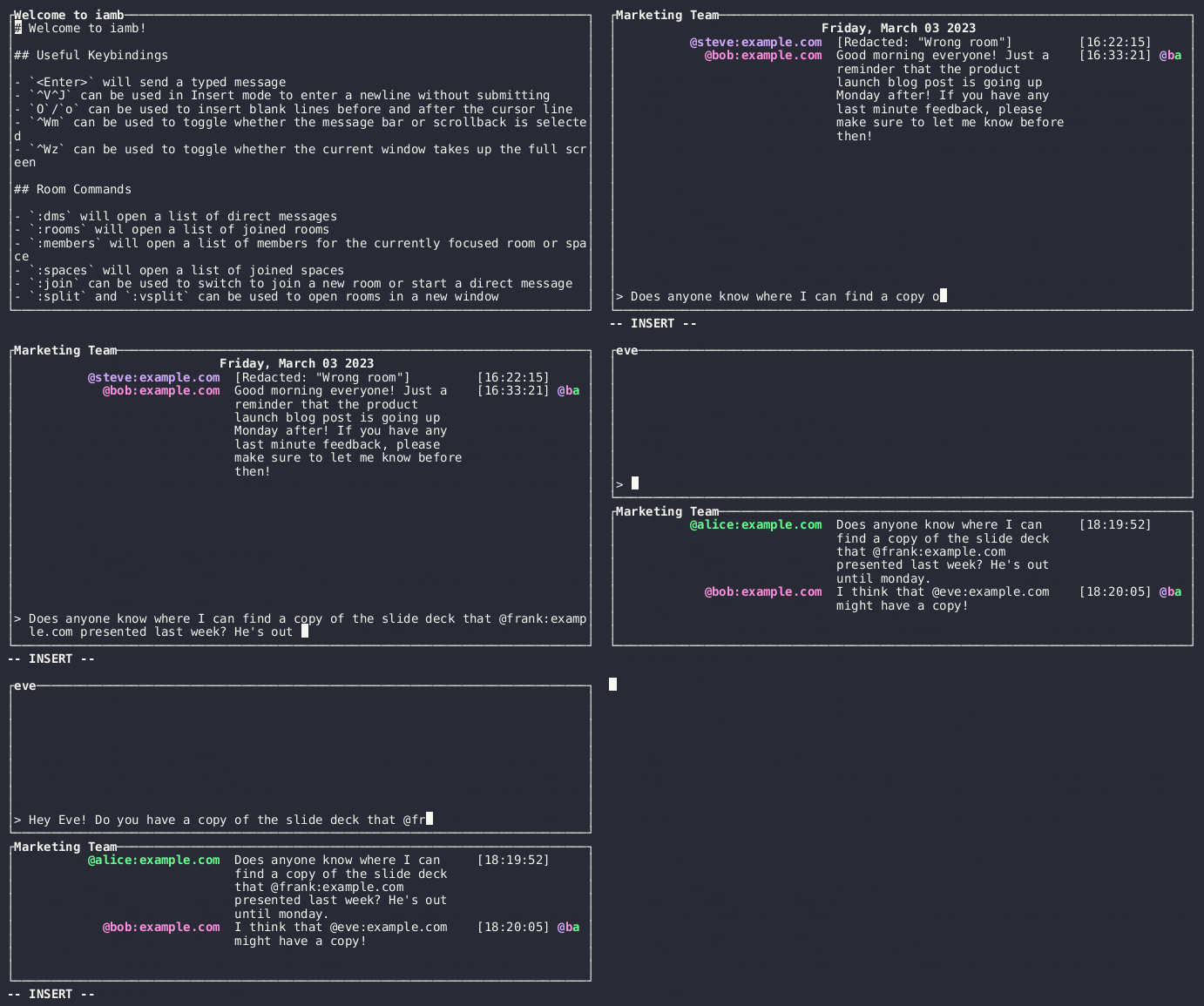
iamb is a Matrix client for the terminal that uses Vim keybindings. It includes support for:
- Threads, spaces, E2EE, and read receipts
- Image previews in terminals that support it (sixels, Kitty, and iTerm2), or using pixelated blocks for those that don't
- Notifications via terminal bell or desktop environment
- Send Markdown, HTML or plaintext messages
- Creating, joining, and leaving rooms
- Sending and accepting room invitations
- Editing, redacting, and reacting to messages
- Custom keybindings
- Multiple profiles
You may want to see this page as it was when the latest version was published.
Documentation
You can find documentation for installing, configuring, and using iamb on its website, iamb.chat.
Configuration
You can create a basic configuration in $CONFIG_DIR/iamb/config.toml that looks like:
[profiles."example.com"]
user_id = "@user:example.com"
If your homeserver is located on a different domain than the server part of the
user_id and you don't have a /.well-known entry, then
you can explicitly specify the homeserver URL to use:
[profiles."example.com"]
url = "https://example.com"
user_id = "@user:example.com"
Installation (from source)
Install Rust and Cargo using rustup, and then run from the directory containing the sources (ie: from a git clone):
cargo install --locked --path .
If you're willing to wait longer on the build, you can use the release-lto
profile to enable link-time optimization:
cargo install --profile release-lto --locked --path .
If you would prefer to optimize for a smaller binary, you can use the
release-light profile, which will do LTO, optimize code generation
for smaller output, and strip the binary. The max_level_error feature
will also make sure that any tracing logs below the error level have
their strings removed during compile-time, so that you only get error
logs.
cargo install --profile release-light --features max_level_error --path .
Add --no-default-features if you want to skip desktop integration (e.g.
clipboard and notifications support) and you would like to link against your
system's SQLite instead of using a bundled SQLite.
Crate features
bundled: use bundled SQLite instead of system library (default)desktop: enable desktop notifications and clipboard support (default)max_level_warn: disable support for more verbose logging than the defaultwarnlevelmax_level_error: disable support for more verbose logging than theerrorlevelmax_level_off: disable all logs at compile timechafa-dyn: use chafa as a dynamic library for halfblock renderingchafa-static: use chafa as a static library for halfblock rendering
Installation (via crates.io)
Install Rust (1.83.0 or above) and Cargo, and then run:
cargo install --locked iamb
See Configuration for getting a profile set up.
Installation (via package managers)
Arch Linux
On Arch Linux a package is available in the Arch User Repositories (AUR). To install it simply run with your favorite AUR helper:
paru iamb-git
FreeBSD
On FreeBSD a package is available from the official repositories. To install it simply run:
pkg install iamb
Gentoo
On Gentoo, an ebuild is available from the community-managed GURU overlay.
You can enable the GURU overlay with:
eselect repository enable guru
emerge --sync guru
And then install iamb with:
emerge --ask iamb
macOS
On macOS a package is available in Homebrew's repository. To install it simply run:
brew install iamb
NetBSD
On NetBSD a package is available from the official repositories. To install it simply run:
pkgin install iamb
Nix / NixOS (flake)
nix profile install "github:ulyssa/iamb"
openSUSE Tumbleweed
On openSUSE Tumbleweed a package is available from the official repositories. To install it simply run:
zypper install iamb
Snap
A snap for Linux distributions which support the packaging system.
snap install iamb
Conda (Linux, macOS, Windows)
A Conda package is available on conda-forge. To install it simply run:
pixi global install iamb
License
iamb is released under the Apache License, Version 2.0.